Laptop / PC
LIQUID DAMAGE ON LAPTOP DO AND DONT'S
19 October 2026
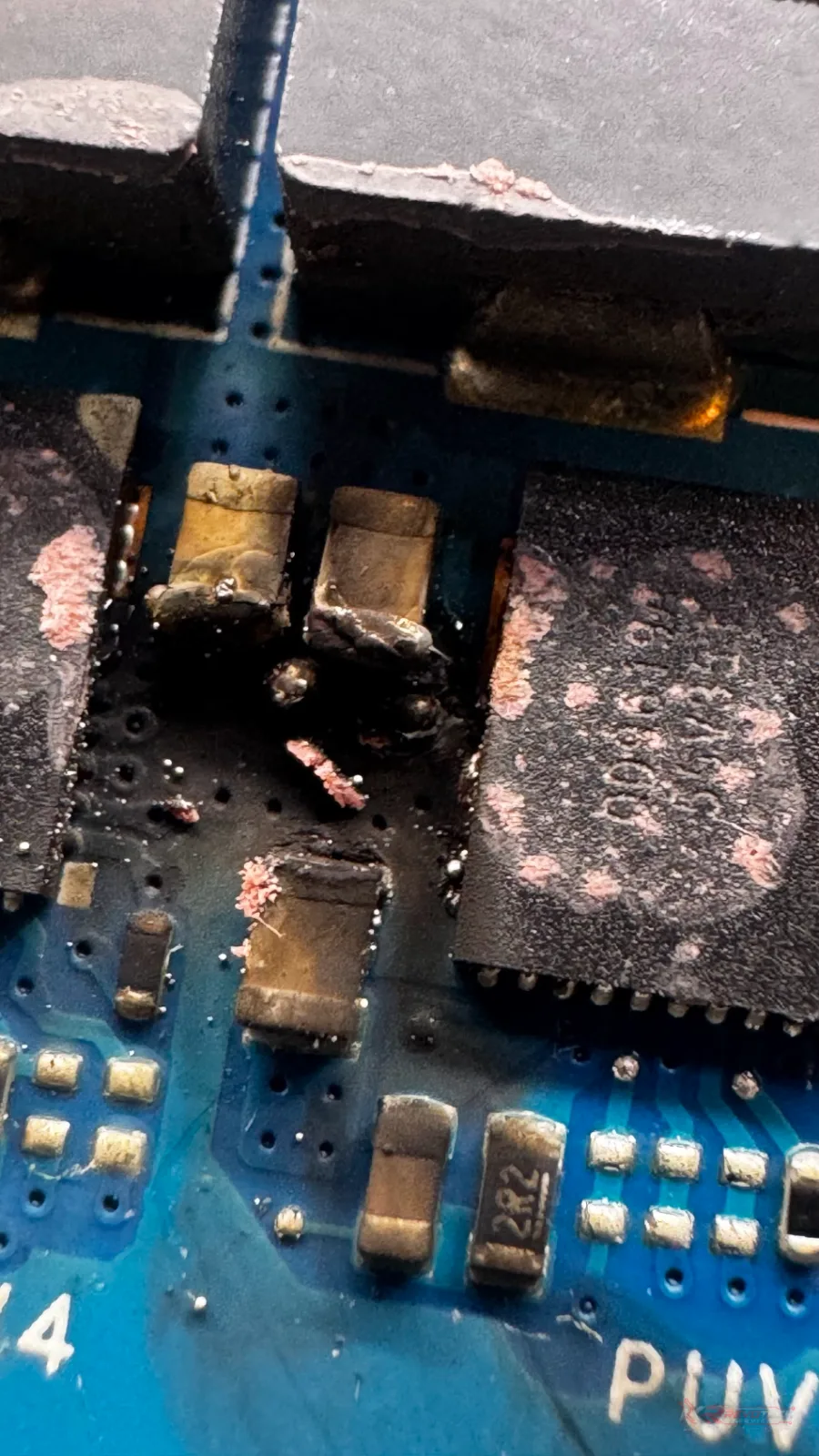
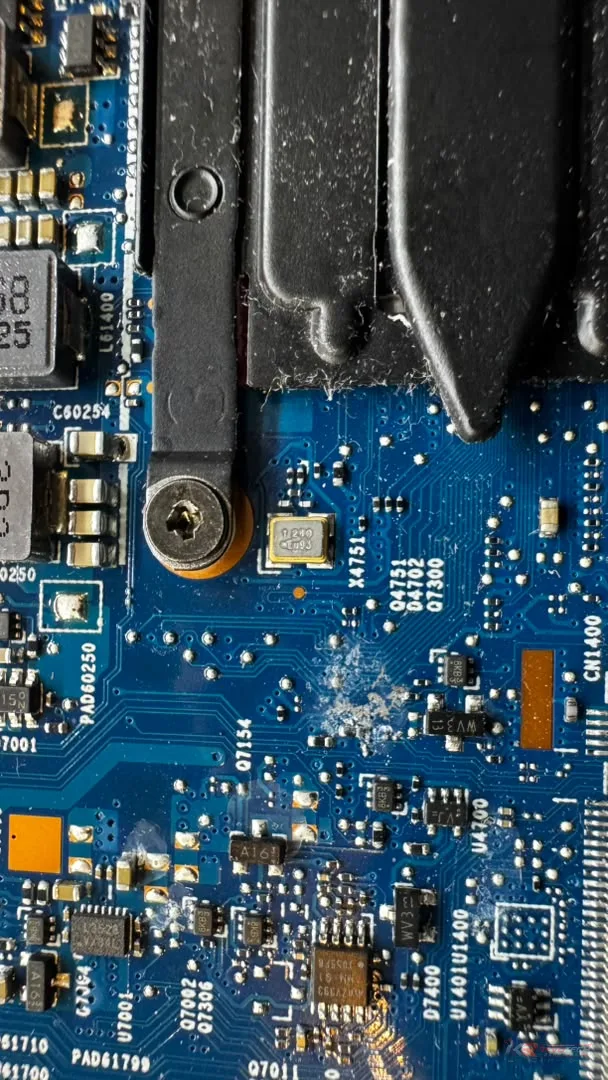
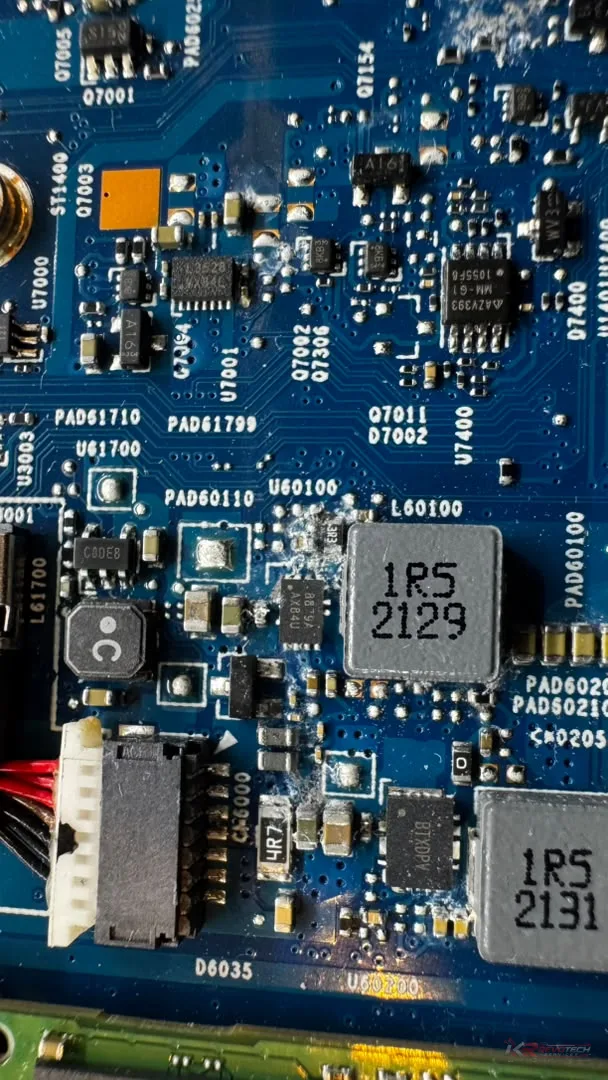
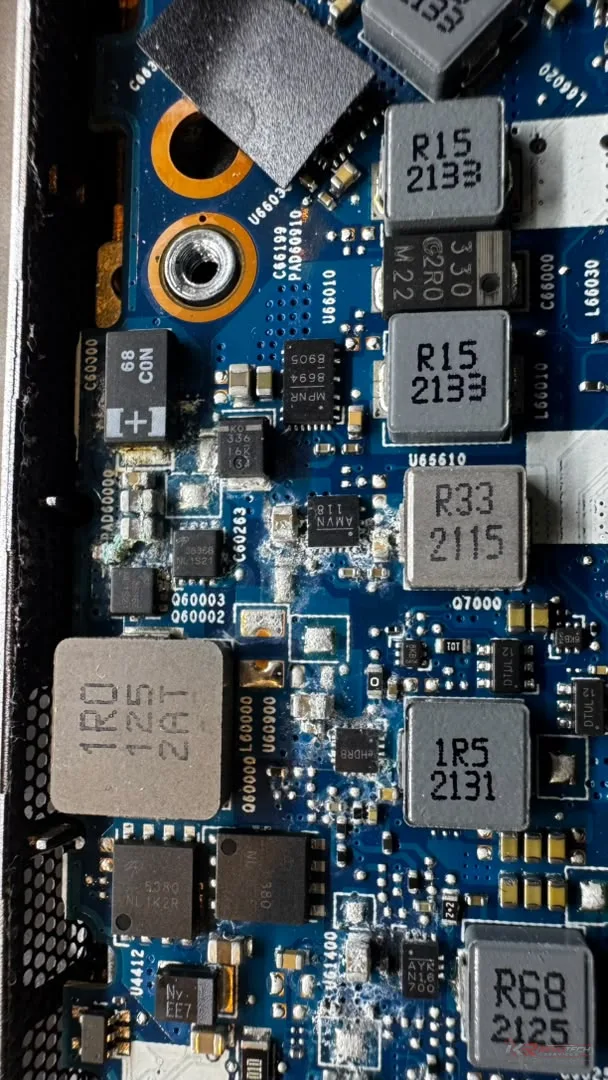
Liquid damage on laptops is a common issue that can occur due to various reasons such as spilling water, coffee, or other liquids on the keyboard or screen. It can cause permanent damage to the internal components of your laptop, leading to costly repairs. In this article, we will discuss the do's and don'ts of preventing and handling liquid damage on your laptop.
**Do's:**
1. **Act quickly**: If you spill liquid on your laptop, turn it off immediately and unplug the power cord. This will prevent any short circuits that can cause further damage.
2. **Remove the battery**: If your laptop has a removable battery, take it out to prevent any electrical shock.
3. **Dry the outside**: Use a soft cloth to gently wipe away any excess liquid from the outside of the laptop.
4. **Use a desiccant**: Place a desiccant, such as silica gel or uncooked rice, in a container with the laptop to absorb any moisture.
5. **Seek professional help**: If you're not sure how to proceed or if the damage is extensive, seek the help of a professional laptop repair service in Ampang, Malaysia.
**Don'ts:**
1. **Don't turn it on**: Avoid turning on your laptop after a liquid spill, as this can cause electrical shock or short circuits.
2. **Don't use a hair dryer**: While it may seem like a good idea to dry your laptop with a hair dryer, this can actually push the liquid further into the laptop's internal components, causing more damage.
3. **Don't submerge it in water**: Avoid submerging your laptop in water or any other liquid, as this can cause catastrophic damage to the internal components.
4. **Don't try to disassemble it**: Unless you're an experienced laptop repair technician, it's not recommended to try to disassemble your laptop to clean or repair it. This can cause further damage and void your warranty.
5. **Don't ignore the issue**: If you've experienced a liquid spill on your laptop, don't ignore the issue. The longer you wait, the more likely it is that the damage will become permanent.
**Prevention is key**: To prevent liquid damage on your laptop, it's essential to be mindful of your surroundings and take precautions. Here are a few tips:
* Keep your laptop away from liquids and food
* Use a laptop stand or riser to elevate it above the surface
* Avoid drinking or eating near your laptop
* Use a laptop sleeve or case to protect it from spills and drops
By following these do's and don'ts, you can minimize the risk of liquid damage on your laptop and ensure it continues to function properly for years to come. If you do experience a liquid spill, don't hesitate to seek the help of a professional laptop repair service in Ampang, Malaysia. They will be able to assess the damage and provide a solution to get your laptop up and running again.
**Do's:**
1. **Act quickly**: If you spill liquid on your laptop, turn it off immediately and unplug the power cord. This will prevent any short circuits that can cause further damage.
2. **Remove the battery**: If your laptop has a removable battery, take it out to prevent any electrical shock.
3. **Dry the outside**: Use a soft cloth to gently wipe away any excess liquid from the outside of the laptop.
4. **Use a desiccant**: Place a desiccant, such as silica gel or uncooked rice, in a container with the laptop to absorb any moisture.
5. **Seek professional help**: If you're not sure how to proceed or if the damage is extensive, seek the help of a professional laptop repair service in Ampang, Malaysia.
**Don'ts:**
1. **Don't turn it on**: Avoid turning on your laptop after a liquid spill, as this can cause electrical shock or short circuits.
2. **Don't use a hair dryer**: While it may seem like a good idea to dry your laptop with a hair dryer, this can actually push the liquid further into the laptop's internal components, causing more damage.
3. **Don't submerge it in water**: Avoid submerging your laptop in water or any other liquid, as this can cause catastrophic damage to the internal components.
4. **Don't try to disassemble it**: Unless you're an experienced laptop repair technician, it's not recommended to try to disassemble your laptop to clean or repair it. This can cause further damage and void your warranty.
5. **Don't ignore the issue**: If you've experienced a liquid spill on your laptop, don't ignore the issue. The longer you wait, the more likely it is that the damage will become permanent.
**Prevention is key**: To prevent liquid damage on your laptop, it's essential to be mindful of your surroundings and take precautions. Here are a few tips:
* Keep your laptop away from liquids and food
* Use a laptop stand or riser to elevate it above the surface
* Avoid drinking or eating near your laptop
* Use a laptop sleeve or case to protect it from spills and drops
By following these do's and don'ts, you can minimize the risk of liquid damage on your laptop and ensure it continues to function properly for years to come. If you do experience a liquid spill, don't hesitate to seek the help of a professional laptop repair service in Ampang, Malaysia. They will be able to assess the damage and provide a solution to get your laptop up and running again.